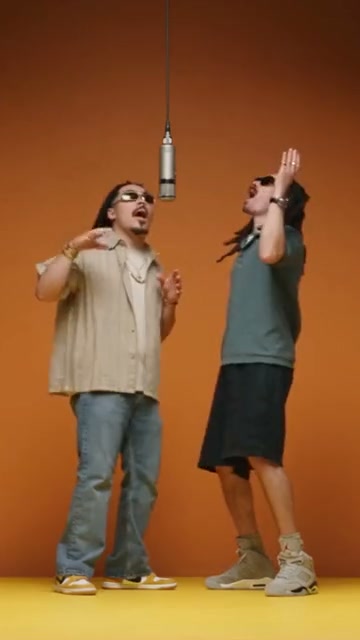
Hotel Lobby
Community example
By franklinmanatee1900Transform existing footage with Genjutsu AI. Guide a new character or scene with Motion Transfer, or replace a selected element with Object Swap.
Add a clip to estimate credits
Review the cost before you generate.
Community example
By franklinmanatee1900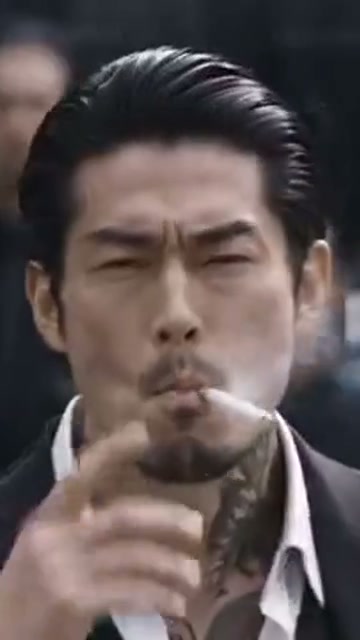
Community example
By hospitalitydragonfly1919
Community example
By bouncingmanatee1533
Community example
By phuneralyraim1
Source clip

Source clip

Community example
By bauhauscapybara1627
Community example
By transformingdolphin1501
Community example
By beamingwombat1484
Community example
By aymanalmuqsi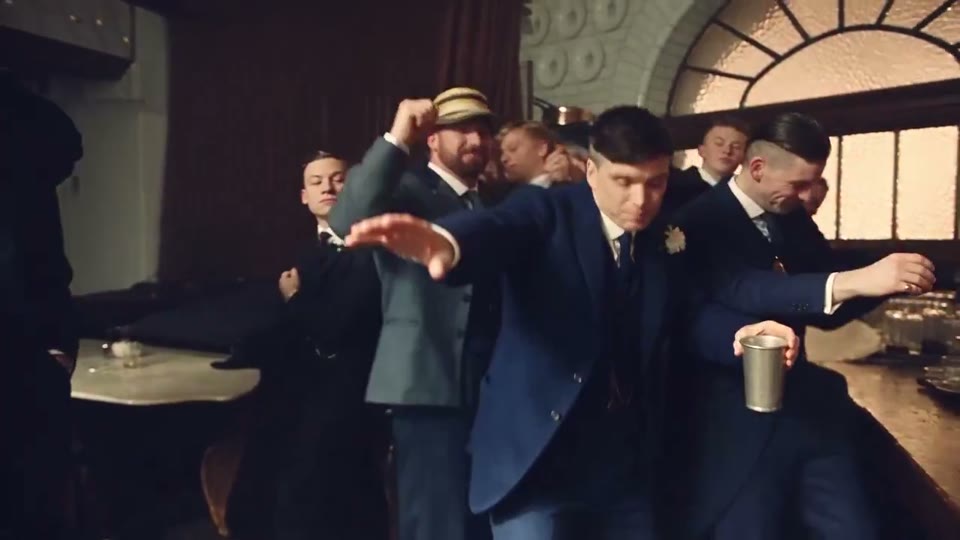
Trend reference
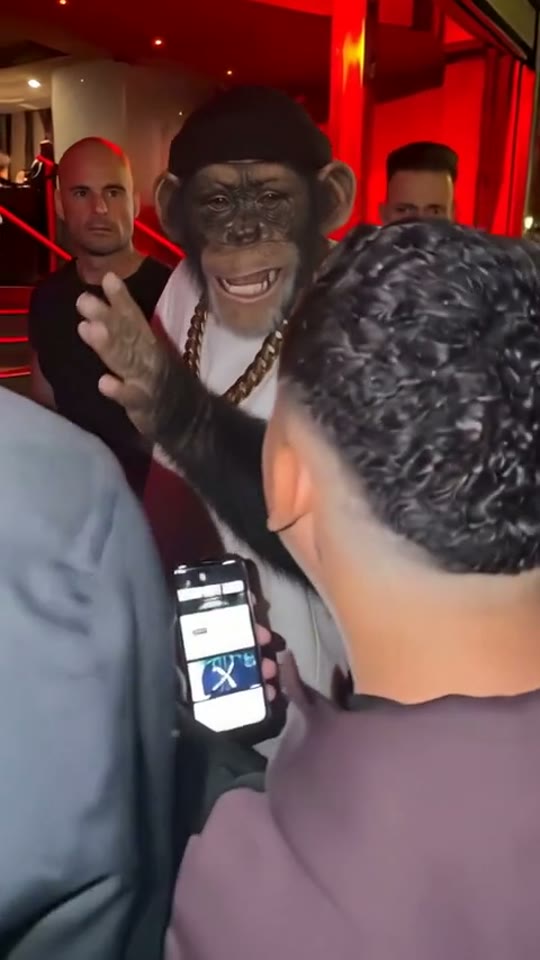
Trend reference
Trend reference
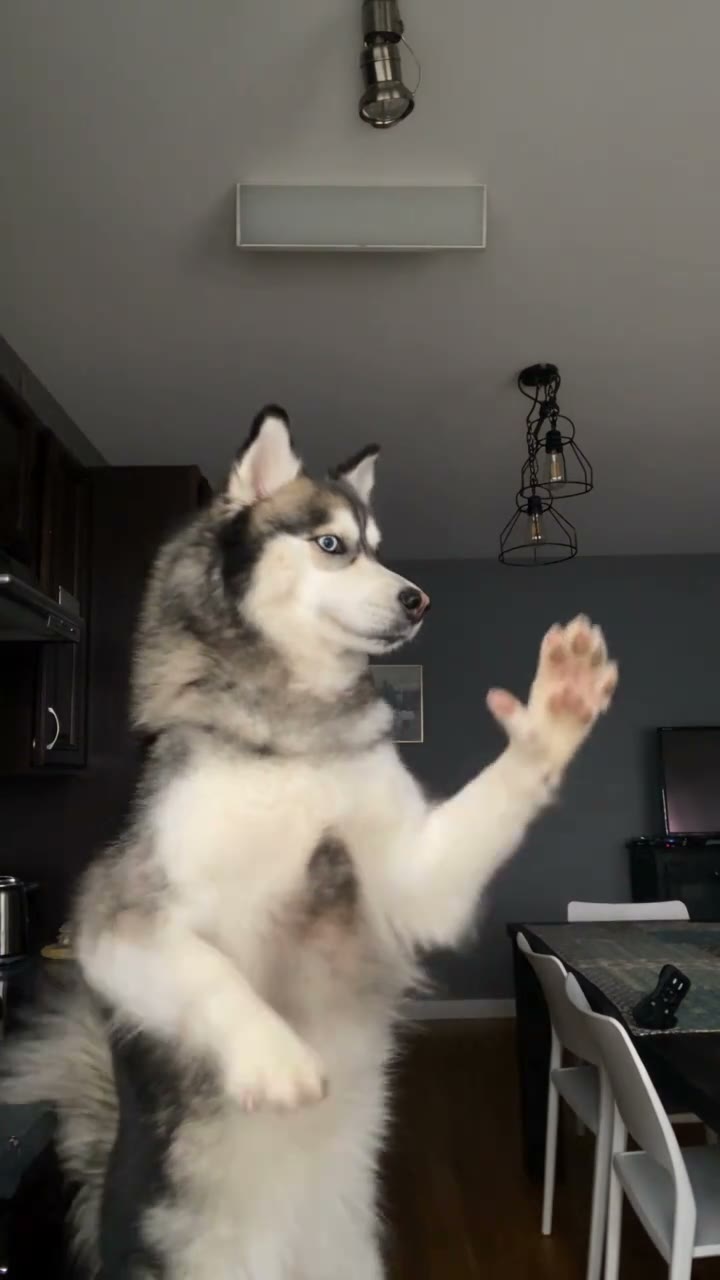
Compare the source and result as they play together. These Higgsfield community examples are credited to their creators and were made outside Genjutsuai.io.
Use your source video's movement to guide a new character, setting or visual look. Choose Motion Transfer to reimagine a performance or scene, using reference images to define its appearance.
Replace a selected product, prop, outfit or character within an existing shot. Add clear references and describe the change, then review how well the result preserves the surrounding scene.
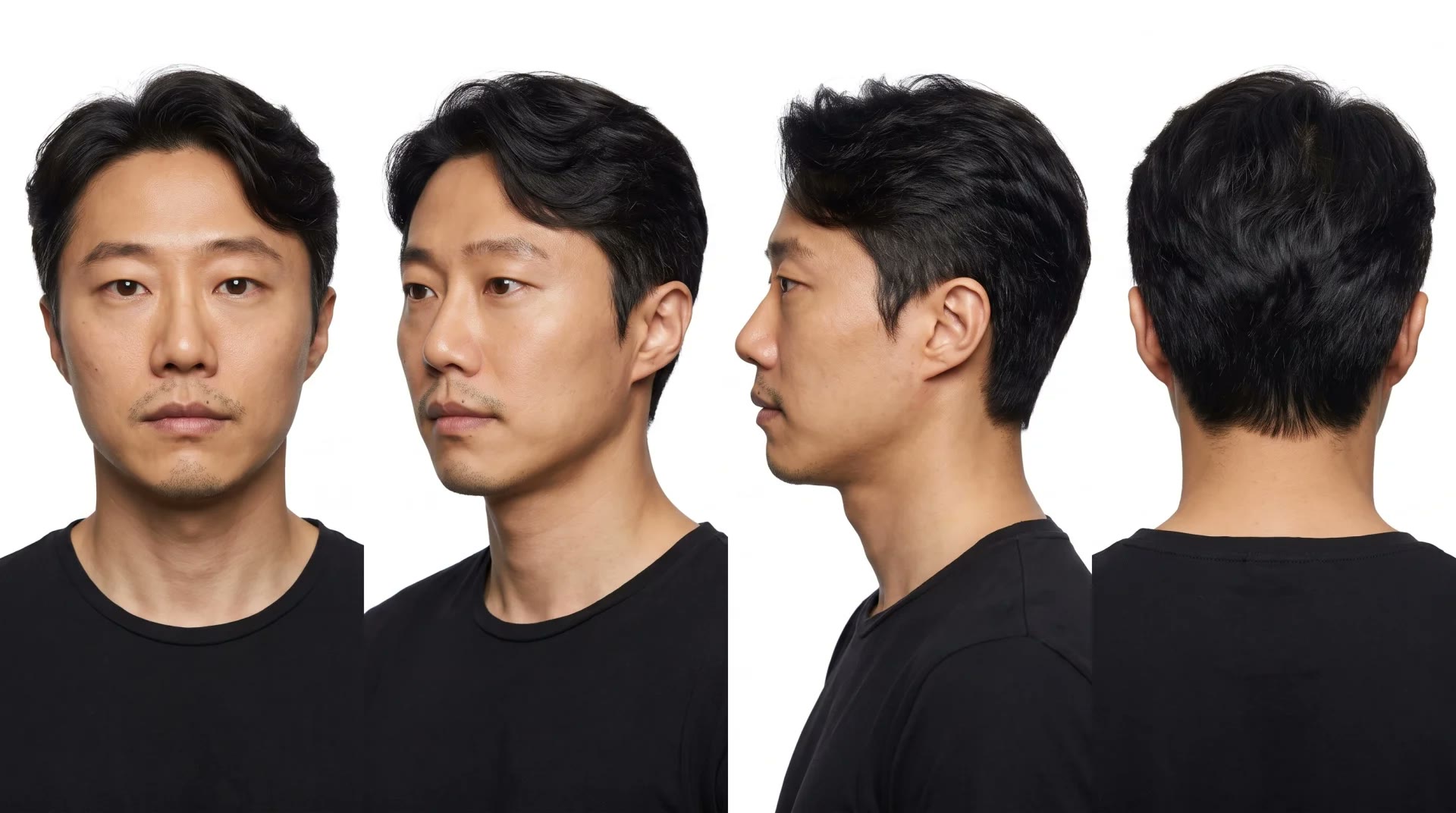
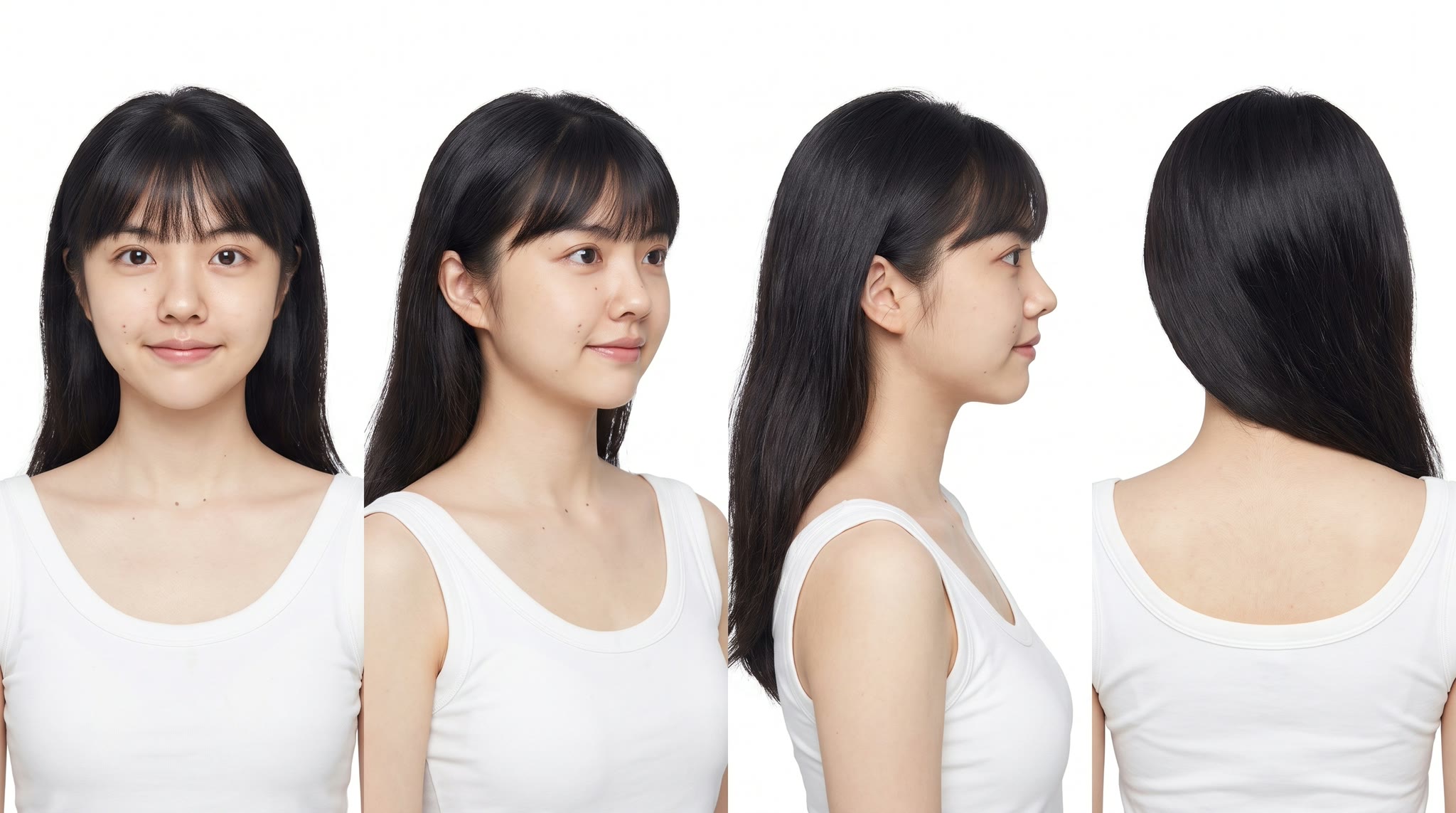
Reference images
Select a video you have permission to use. Trim it to 4–30 seconds and crop the frame in Edit reference before uploading.
Choose a mode and add 1–8 reference images. Describe the character, object or scene you want to change.
Choose 480p or 720p and review the credit quote. Generate, compare with the source, and download your result.
Buy a credit pack once. See the cost before every generation, with the same rates for Motion Transfer and Object Swap.
—
one-timeUSD · one-time payment
One-time credit pack
480Credits
480p · up to 8s total
Up to 8s total at 480p
720p needs at least 520 credits
720p needs at least 520 credits
—
one-timeUSD · one-time payment
One-time credit pack
1,000Credits
480p · up to 16s total
Up to 16s total at 480p
720p · up to 7s total
Or up to 7s total at 720p
—
one-timeUSD · one-time payment
One-time credit pack
1,500Credits
480p · up to 25s total
Up to 25s total at 480p
720p · up to 11s total
Or up to 11s total at 720p
—
one-timeUSD · one-time payment
One-time credit pack
3,300Credits
480p · up to 55s total
Up to 55s total at 480p
720p · up to 25s total
Or up to 25s total at 720p
A 10-second clip uses 600 credits at 480p or 1,300 at 720p.
480p: 60 credits/sec · 720p: 130 credits/sec
Pack allowances are alternative uses of one balance and can cover multiple clips. Each clip must be 4–30 seconds. Combine packs for longer clips or 720p.
Pricing and billing detailsGenjutsu AI at Genjutsuai.io is an independent video workspace using the Higgsfield Genjutsu model. Transform an existing clip with reference images that guide a new character, scene or object. It is a video-to-video tool, so a source clip is required.
Choose Motion Transfer to build a new character or scene around a source performance. Choose Object Swap for a targeted replacement within an existing shot. Neither guarantees a frame-perfect match.
Yes. Select an MP4, MOV or WebM up to 500 MiB. In Edit reference, choose 4–30 seconds and adjust the crop. Only the prepared clip is uploaded, as an H.264 MP4 up to 45 MiB. Your browser must support decoding and exporting the file.
Open the workspaceAdd 1–8 clear images. Keep character references consistent in face, hairstyle and clothing. For a product, show its shape and important details. Avoid conflicting references, and describe the intended change in your prompt.
The source guides the transformation, but exact motion, backgrounds, audio and lip sync are not guaranteed. Compare the result before publishing, checking faces, hands, reflections and other important details.
Genjutsu AI uses one-time credit purchases with no automatic renewal. Generation requires a paid balance. Credits do not expire while the service remains active. Billing rounds the prepared clip's duration up to a whole second; review the quote before generating.
See pricing and billing detailsFailed or rejected jobs release their reserved credits; pending jobs may keep them until resolved. Generating another version of a completed video is a new paid job. Deleting a result does not restore spent credits.
Read the Refund PolicyYour uploads and jobs are private to your account and are not automatically published. Source clips and reference images are kept for 7 days, completed results for 30 days. Download the videos you want to keep before their storage period ends.
Read about processing and storageNo. Genjutsuai.io is an independent service, not affiliated with Higgsfield. Accounts, credits and support are managed separately here. Community examples are credited to their creators and were not generated through this website.
Read the Terms of Service
Bring your clip, choose your references, and try a new cast or scene. See the cost before you generate.
Open video workspace